
Microsoft 365 vs. Google Workspace: Which Cloud Office Suite Is Right for Your Business?
By Brandon Mitchell, Tech365
Choosing between Microsoft 365 and Google Workspace shapes how your team collaborates, stores files, and gets work done. Each suite brings a distinct mix of tools for teamwork, file management, and security. Below we break down core features, collaboration capabilities, security posture, and migration considerations to help you pick the best fit.
What Are the Key Differences Between Microsoft 365 and Google Workspace Business Plans?
Look at features, pricing, and how each platform aligns with your workflows. Their strengths influence collaboration style, document management, and IT overhead. If you prefer guided evaluation and deployment, consider working with a managed service provider.
How Do Microsoft 365 Business Plans Compare in Features and Pricing?
Microsoft 365 provides tiered plans to suit different needs. Notable features include:
- Full Office Apps: Full-featured desktop and web versions of Word, Excel, PowerPoint, and Outlook.
- Professional Email: Business-class mailboxes with generous storage—commonly around 50GB per user.
- Advanced Security: Built-in protections such as data loss prevention and conditional access controls.
Pricing typically ranges from about $6 per user/month (Business Basic: email and web apps) to roughly $22 per user/month (Business Standard: expanded apps and management).
What Are the Pricing Tiers and Plans Offered by Google Workspace?
Google Workspace offers straightforward tiers for growing teams:
- Business Starter: $6 per user/month — includes email, video meetings, and core collaboration apps.
- Business Standard: $12 per user/month — adds meeting recordings, larger participant limits, and more storage.
- Business Plus: $18 per user/month — includes stronger security controls and additional collaboration features.
Those tiers make it simple to scale storage and compliance as your needs evolve.
Which Cloud Collaboration Tools Best Support Small Business Productivity?
Collaboration tools determine how distributed teams communicate and manage work. Both platforms provide capable options for day-to-day productivity.
How Does Microsoft Teams Enhance Remote Team Collaboration?

Microsoft Teams combines chat, video, and file sharing in a single workspace. Key benefits include:
- Real-time co-authoring: Multiple people can edit documents simultaneously, with version history and recovery.
- Meetings and webinars: Present, record, and share content without jumping between tools.
- App integrations: Connect third-party and Microsoft apps to streamline workflows.
Teams helps reduce tool duplication and centralize collaboration. For hands-on IT setup and ongoing support, Tech365 can configure and manage these tools for your organization.
What Collaboration Features Does Google Meet Provide for Small Businesses?
Google Meet prioritizes simple, reliable video collaboration and tight integration with Google apps. It delivers:
- High-quality video: Scales to larger meetings with minimal configuration.
- Deep Google app integration: Meetings link directly to Calendar and Drive for easy scheduling and file access.
- Screen sharing and recording: Capture sessions for training, documentation, or later review.
Google Meet suits teams that favor a lightweight, browser-first workflow.
How Do Security Features of Microsoft 365 and Google Workspace Protect Business Data?
Security is critical when you host core work in the cloud. Both platforms include tools to protect accounts, data, and compliance posture. Pairing a platform with dedicated cloud support strengthens your defenses.
What Enterprise Cloud Security Certifications Does Microsoft 365 Hold?
Microsoft 365 maintains several industry certifications and compliance attestations, including:
- ISO/IEC 27001: A recognized information security management standard.
- SOC 1, 2, and 3: Independent audits that validate controls and practices.
- FedRAMP: Authorization that supports U.S. federal use and elevated security standards.
Those certifications help meet regulatory requirements and build organizational trust when handling sensitive data.
How Does Google Workspace Address Protection for Business Email and Documents?
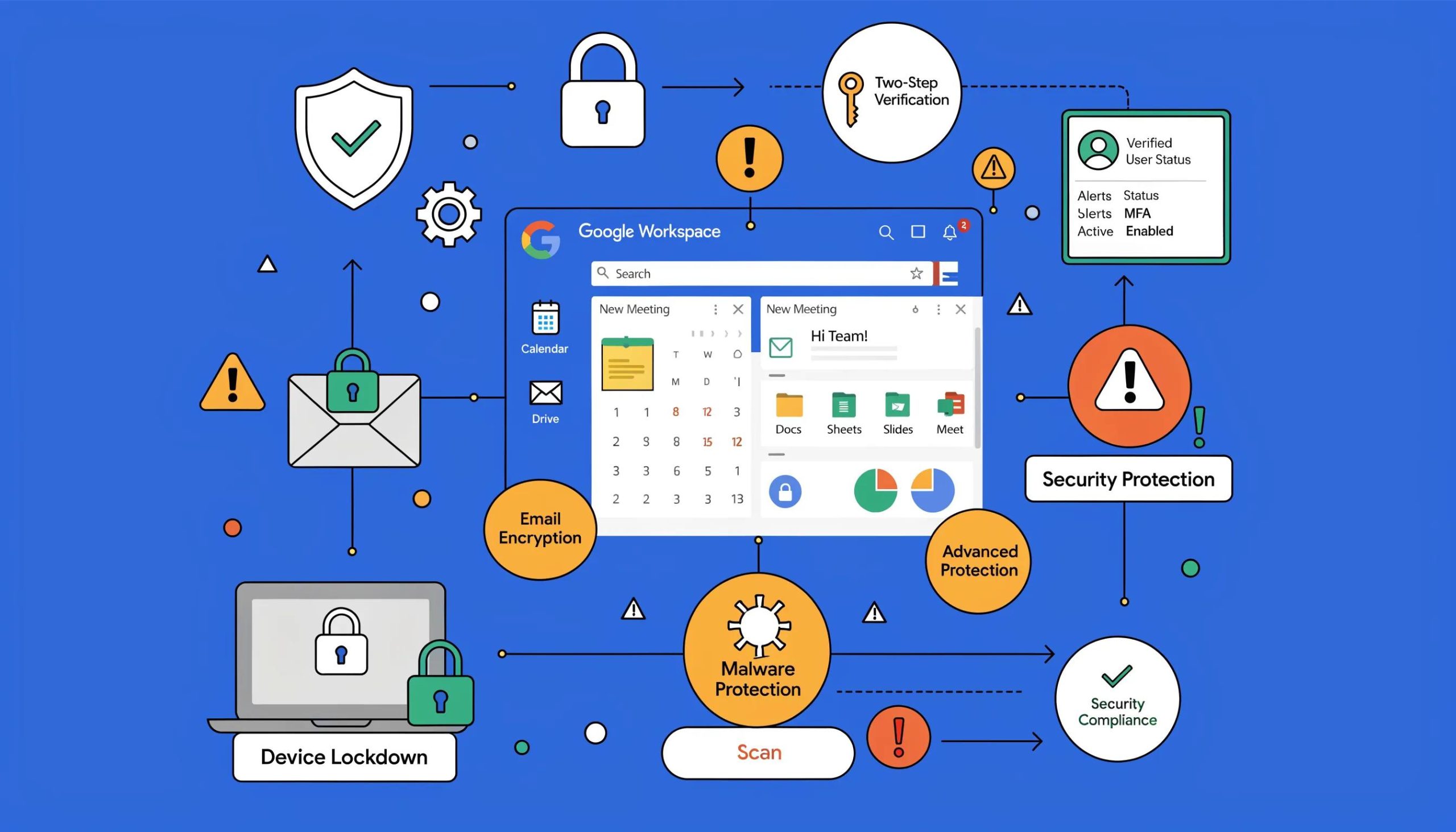
Google Workspace includes practical security controls to protect accounts and files:
- Two-step verification: Adds an extra layer to prevent unauthorized access.
- Phishing and malware defenses: Automated scanning and detection to block many malicious messages and attachments.
- Data loss prevention: Policy controls that reduce the chance of sharing sensitive data inappropriately.
Together these features create a solid security baseline for cloud-first teams.
What Should Small Businesses Know About Migrating to Microsoft 365 or Google Workspace?
A clear migration plan lowers risk. Consider data, user training, and timeline when picking an approach. Organizations that serve diverse customers may find the clients we serve examples useful for matching platform capabilities to expectations.
What Are the Steps for Small Businesses Migrating to Microsoft 365?
Migrations typically follow these phases:
- Assessment: Inventory systems, processes, and data to move.
- Planning: Build a migration plan for mailboxes, files, permissions, and user onboarding.
- Implementation: Execute the migration, verify integrity, and train users.
Following a clear roadmap minimizes downtime and keeps people productive.
How Can Small Businesses Seamlessly Switch to Google Workspace?
To switch with minimal disruption, use a staged approach:
- Data backup: Back up mail, files, and settings before you begin.
- User training: Run hands-on sessions so staff adopt new workflows confidently.
- Phased rollout: Migrate teams in stages to uncover issues early and refine the process.
Careful preparation and phased adoption increase the chance of a smooth migration. For ongoing guidance and tips, see the Tech-It-Out blog.
Frequently Asked Questions
What are the primary factors to consider when choosing between Microsoft 365 and Google Workspace?
Think about how your team works (desktop Office apps vs. browser-first), compatibility with existing software, security and compliance needs, available support, and total cost per user. Prioritize the factors most important to your workflows and growth plans.
How can small businesses benefit from using Microsoft 365 or Google Workspace?
Both suites streamline communication, document sharing, and remote collaboration. They let teams access files from anywhere, reduce the friction of emailing documents back and forth, and help small teams stay organized as they scale.
How does each platform handle customer support and troubleshooting?
Microsoft 365 offers documentation, community forums, and tiered support depending on plan. Google Workspace provides help articles, community support, and phone or advanced support on higher tiers. Many organizations choose to supplement vendor support with a managed service provider.
What are some common challenges businesses face when migrating to these platforms?
Typical hurdles include data transfer errors, unexpected downtime, and user resistance. Mitigate risks with backups, a clear schedule, and training that shows how the new tools improve daily work.
Are there any integration capabilities with third-party applications?
Yes. Both platforms integrate with numerous third-party apps—Microsoft often via Teams and Microsoft Graph, and Google through Drive and Workspace APIs. Verify essential integrations before you migrate.
What is the importance of data security in Microsoft 365 vs Google Workspace?
Data security is critical in any cloud deployment. Microsoft emphasizes compliance and third-party certifications, while Google focuses on strong account protections and automated threat detection. Choose the control set that best matches your regulatory and operational needs.
Conclusion
Which suite is right for you depends on how your team works, your security requirements, and your budget. Both Microsoft 365 and Google Workspace deliver capable collaboration, storage, and protection features—pick the one that supports your workflows and growth plan, and use available resources to implement it successfully.